English
 简体中文
简体中文 Русский
 Español
 ไทย
ไทย Tiếng Việt
 Bahasa Melayu
 Bahasa Indonesia
 لالعربية
 Deutsch
KGK Ink Cartridge Chip Reset: Five Checks Before You Replace
Release time:
2026-10-23
KGK ink cartridge chip reset failing? Work through chip contacts, firmware bands, aged stock, machine-side faults, and reset logging before buying replacements.
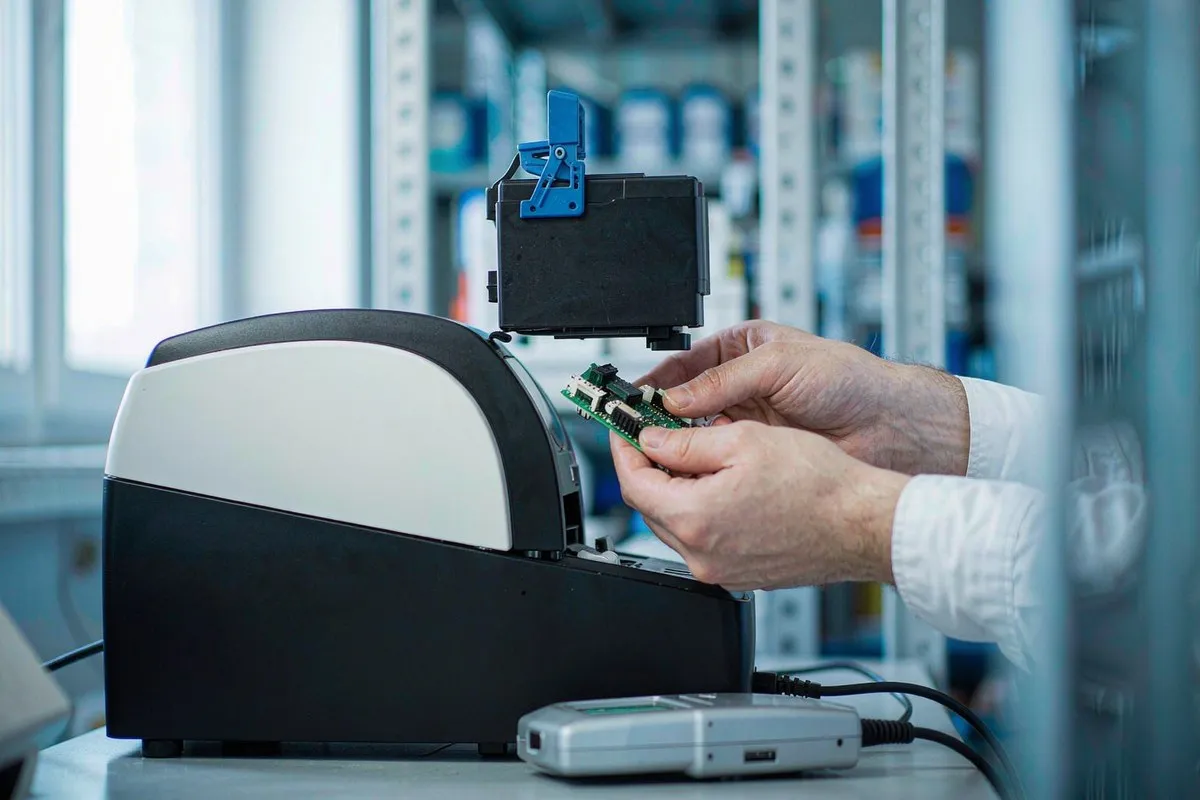
Summary: A failed KGK ink cartridge chip reset usually points to contacts, firmware drift, or aged stock rather than a broken machine. This walkthrough covers the five checks in order: inspect the board and pads, swap cartridges to isolate the fault, match firmware bands to stock, spot a machine-side reader fault, and keep a reset log.
What a Failed Reset Actually Means
A KGK coder that throws "chip error" after a fresh cartridge is rarely broken. The message means the machine read something it did not accept, and the difference between those two states decides whether you need five minutes or a spare part. Reset attempts usually fail for one of five reasons, and working through them in order keeps you off the phone with a supplier you may not need.
Check the Chip and Contacts First
Power off, pull the cartridge, and look at the board. A bent contact, a fingerprint across the pads, or a chip seated at an angle accounts for a large share of false resets. Clean the pads with a dry cloth, reseat firmly, and try again. If the error moves when you swap a known-good cartridge into the same slot, the fault follows the machine. If it stays with the cartridge, the fault is the chip or its data. Two swaps, one conclusion, no guessing.
Firmware Bands and Aged Stock
A compatible chip programmed for an earlier firmware band can pass on one machine and fail on its twin. If your stock is old, ask the supplier which firmware revisions the batch was validated against, and compare that to what the machine reports. Boards stored hot for a season read intermittently, which looks exactly like a reset fault to the operator holding the cartridge. Storage discipline is part of the fix.
When Resetting Is the Wrong Fix
If a genuine cartridge also fails to reset on the same machine, stop swapping chips and look at the reader: dirty sensor window, loose cable, or a board fault on the machine side. Forcing repeated resets against a failing reader can lock the controller into a fault loop, and then you are paying for two repairs instead of one. A supplier who programmes compatible KGK boards in-house can usually tell from your symptoms whether the problem is chip data or machine hardware, which is worth more than a replacement part.
Keep a Reset Log Worth Reading
Write down the date, machine, cartridge batch, chip source, and firmware version every time a reset fails. After a month the pattern usually names the cause on its own: one bad batch from one vendor, one machine with a tired reader, or firmware that moved past your stock. Teams with the log buy the right fix first. Teams without it buy chips until something works, and pay twice.
Related part reference: Markem-Imaje MB247 cartridge chip.
Related part reference: Leibinger 70000-00030 ink RFID chip.
For more on CIJ TIJ consumables and compatible chips, browse our industry insights.
Related products:
related news


E-mail address:
Hotline:
All referenced brand names including Linx, Imaje, Domino, VJ are used solely for illustrating product compatibility scope.
Topmark has no affiliation, authorization, partnership or official endorsement with any industrial printer manufacturers.
All products offered by Topmark are third-party compatible consumables, not genuine original OEM spare parts.
No trademark ownership is claimed for any trademarks mentioned herein.